 Train Stop Alarm
Fell asleep, or got lost in a book or video?
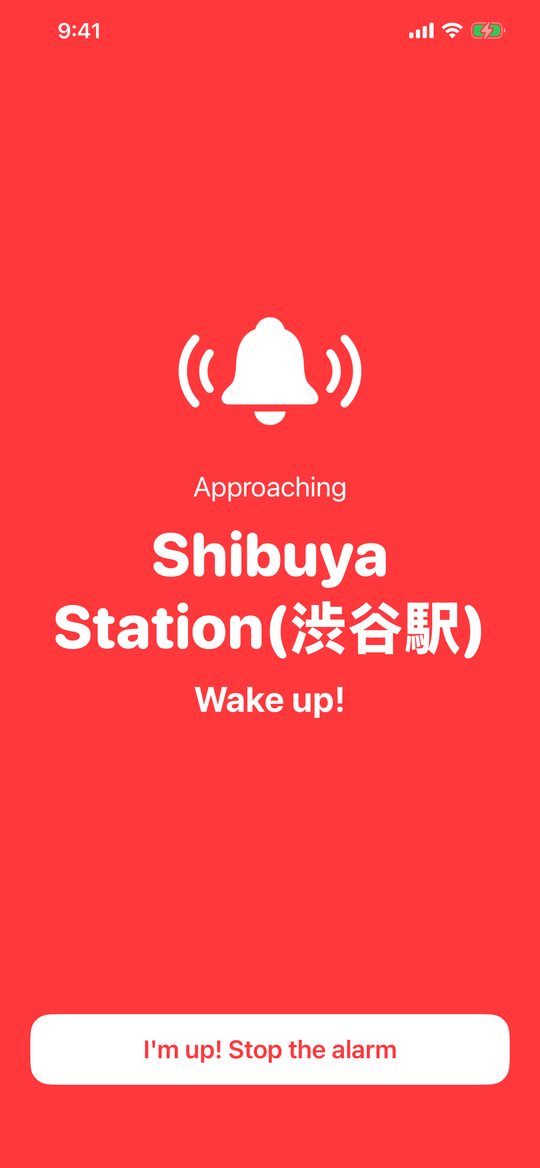
Get a silent vibration and full-screen alert as you near your station.
iPhone, iPad & Apple Watch · Railways in Japan only
 Train Stop Alarm
Fell asleep, or got lost in a book or video?
Get a silent vibration and full-screen alert as you near your station.
iPhone, iPad & Apple Watch · Railways in Japan only
Never plays sound from the speaker — perfect for quiet train cars in Japan. Continuous vibration and a full-screen alert.
On Toei Subway, Tokyo Metro and the Yokohama Municipal Subway Green Line, the app identifies your train from timetables and alerts you right after it leaves the previous station.
Alerts at both your transfer station and your destination. Choose the transfer station when there are several routes.
Feel continuous taps on your wrist, and stop the alarm from your Watch.
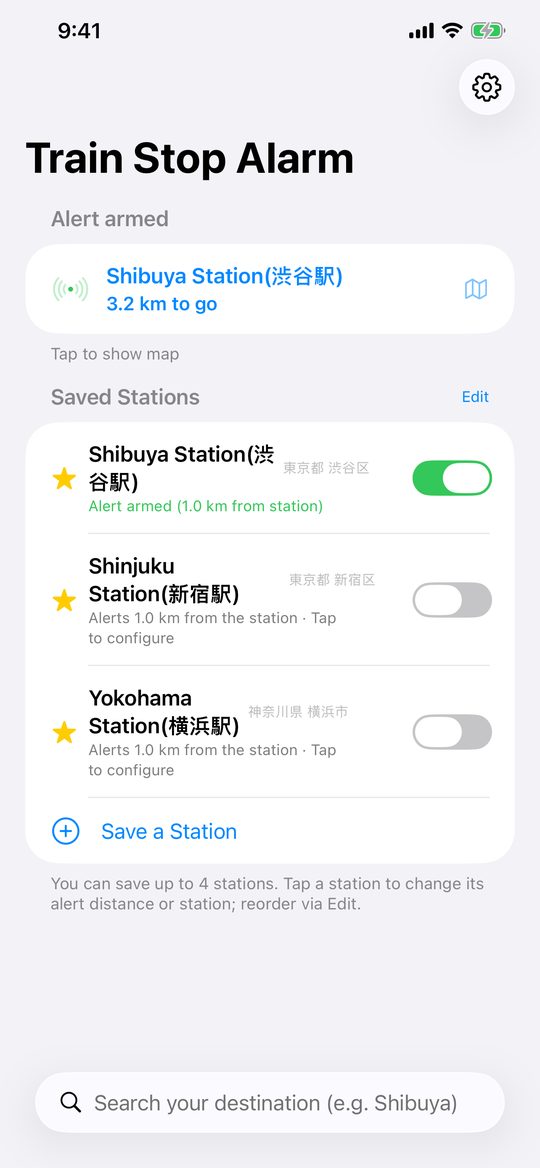
A Live Activity shows the remaining distance on the Lock Screen and Dynamic Island.
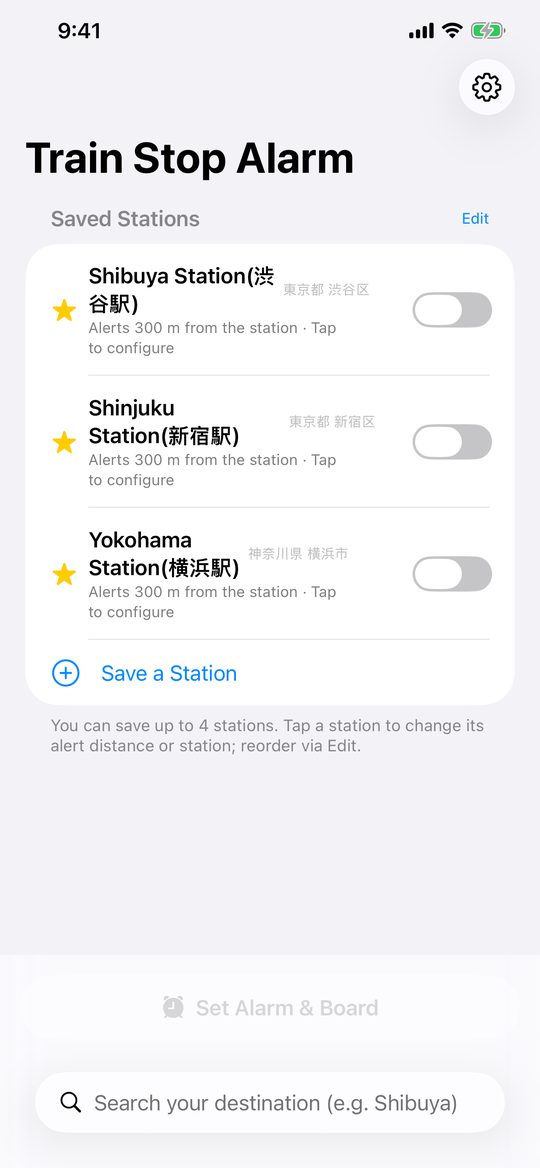
Save your usual stations with their own alert distance and start with one switch.
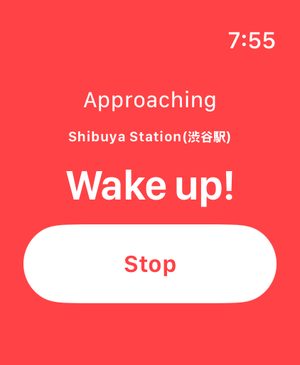
Feel continuous taps on your wrist, and stop the alarm from your Watch.
Location is used only to detect when you approach your station and is never sent anywhere. The app collects no data.
Railways in Japan only. Station search covers all of Japan; lines outside Japan are not supported.
Allow location access “While Using the App”, and don’t swipe the app away while an alarm is waiting (running in the background is fine). The alarm is active as soon as you set your station.
We recommend setting Settings > Sounds & Haptics > Haptics to “Always Play”.
Never through the speaker. Turn on the earphone option to play an alarm sound only while earphones are connected (it stops the moment they disconnect).
Yes. On Toei Subway, Tokyo Metro and the Yokohama Green Line it identifies your train from timetables. On other lines, underground sections rely on arrival-time prediction and estimation, which can be less accurate — choose a larger alert distance (1–2 km) if in doubt.
Set the alarm on your iPhone; the Watch delivers the alert to your wrist and can stop it.